 OpenCUI
Appearance
Sign up
Create and log in to your OpenCUI account.
You can start using OpenCUI to build your Chatbots by signing up for a Starter workspace plan, which is good for developers and freelancers who want to build and share. You can also upgrade your workspace plans for both individuals and teams, add and remove team members and collaborators.
Follow the following steps to get a OpenCUI account. Let's begin:
Sign up for an account
To create your starter OpenCUI account, please visit the Sign up page:
If you already had access to OpenCUI, you can skip this step and log in to your account directly.

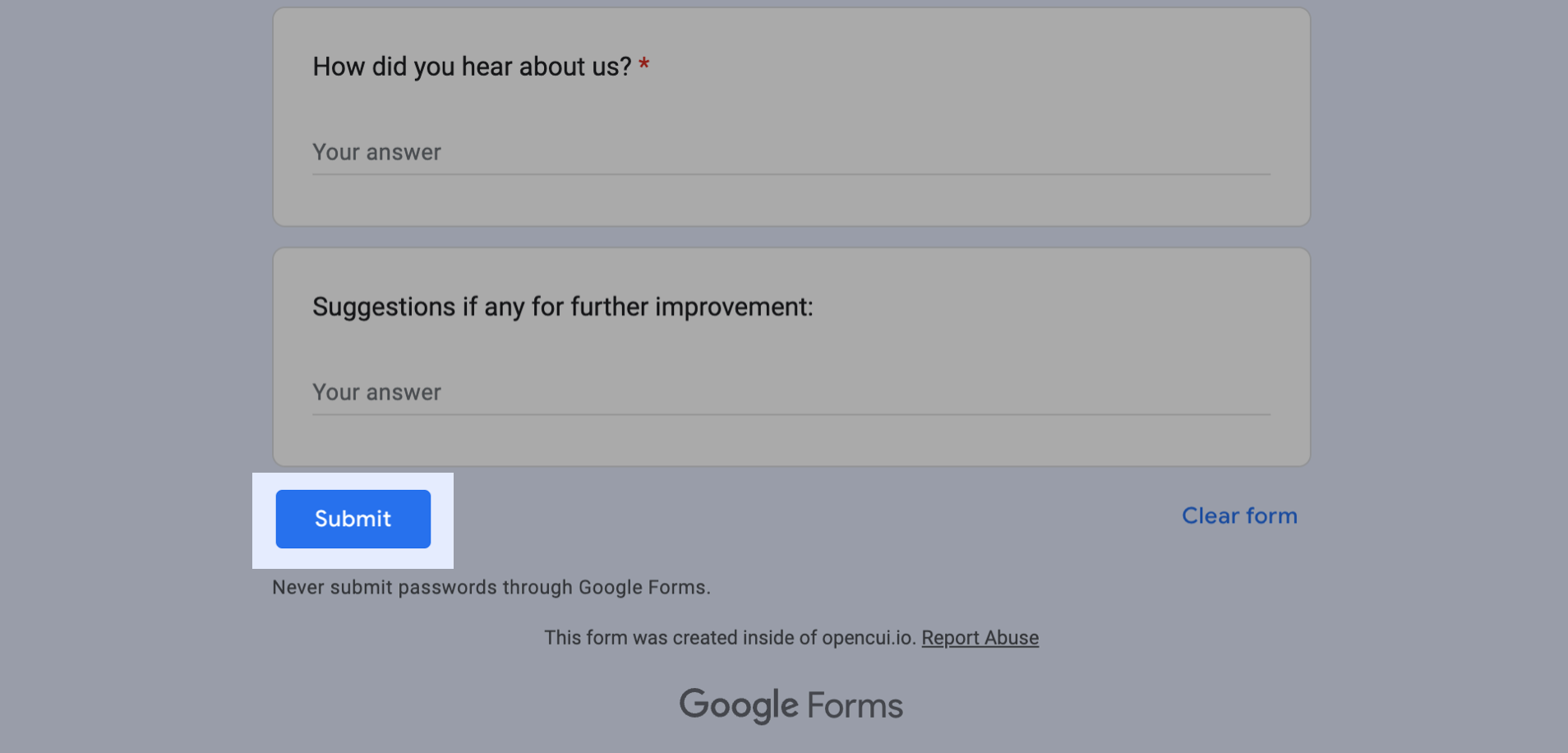
Filling out these questions here, then click Submit :
Need To Know
As we only support signing in with GitHub, please make sure the email address you provide is the one you used for your GitHub account. For more information about GitHub account, see Getting started with your GitHub account.
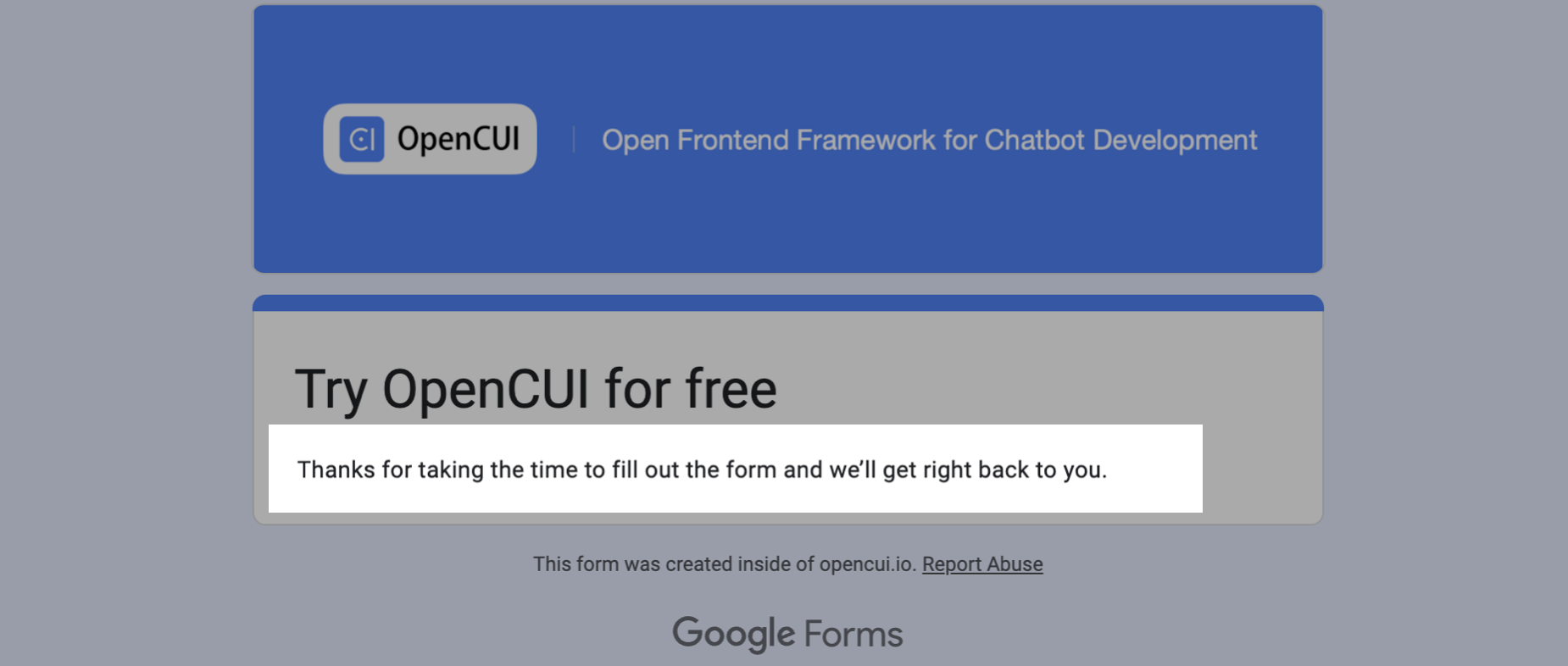
After submitting, if you get the response “Thanks for taking the time to fill out the form and we’ll get right back to you” like below 👇 , this means the form was submitted successfully:
You will wait for an Email notification, which will inform you that you now have access to OpenCUI with your GitHub account, and you can log into your OpenCUI account now 🎉.
Log in to your account
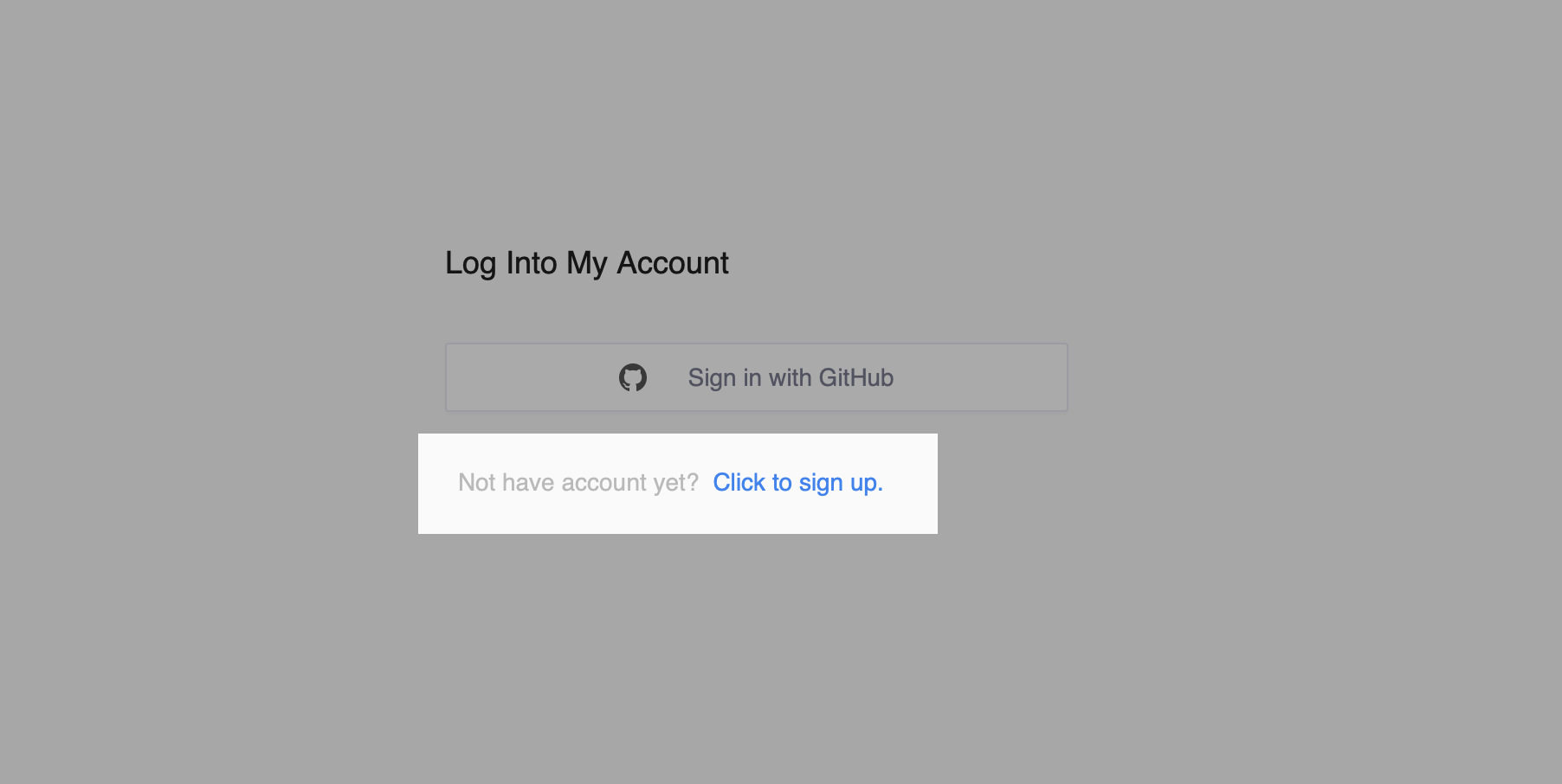
To log in to your OpenCUI with your GitHub account, you should open the Login page and click the Sign in with GitHub button:

If you don't have account yet, you can click the hyperlink Click to sign up below, and go through with signing up for an account above first:
Are you ready
Before beginning to build your first chatbot, you should be familiar with the following materials: